Try your next release in the apps that will install it.
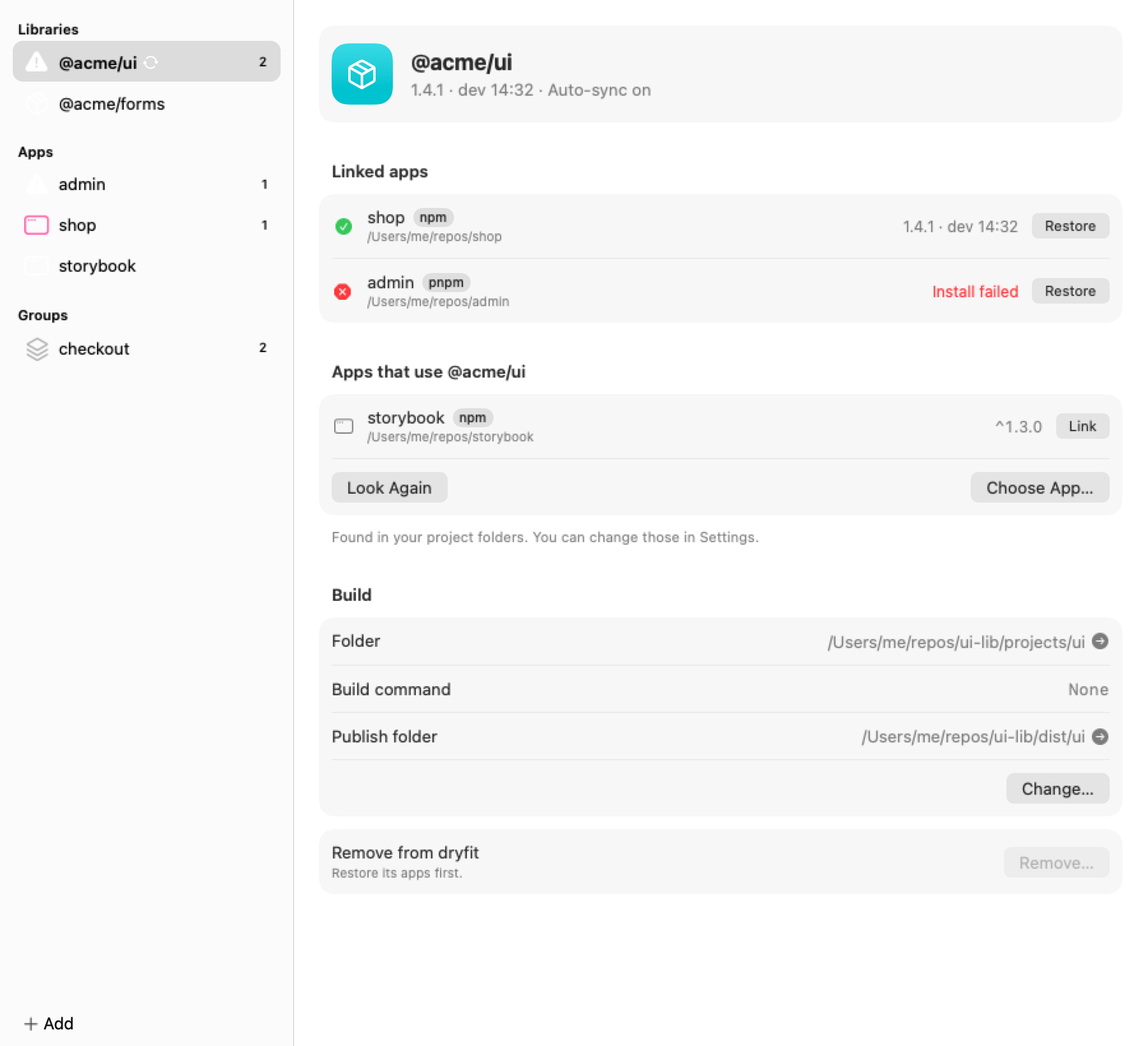
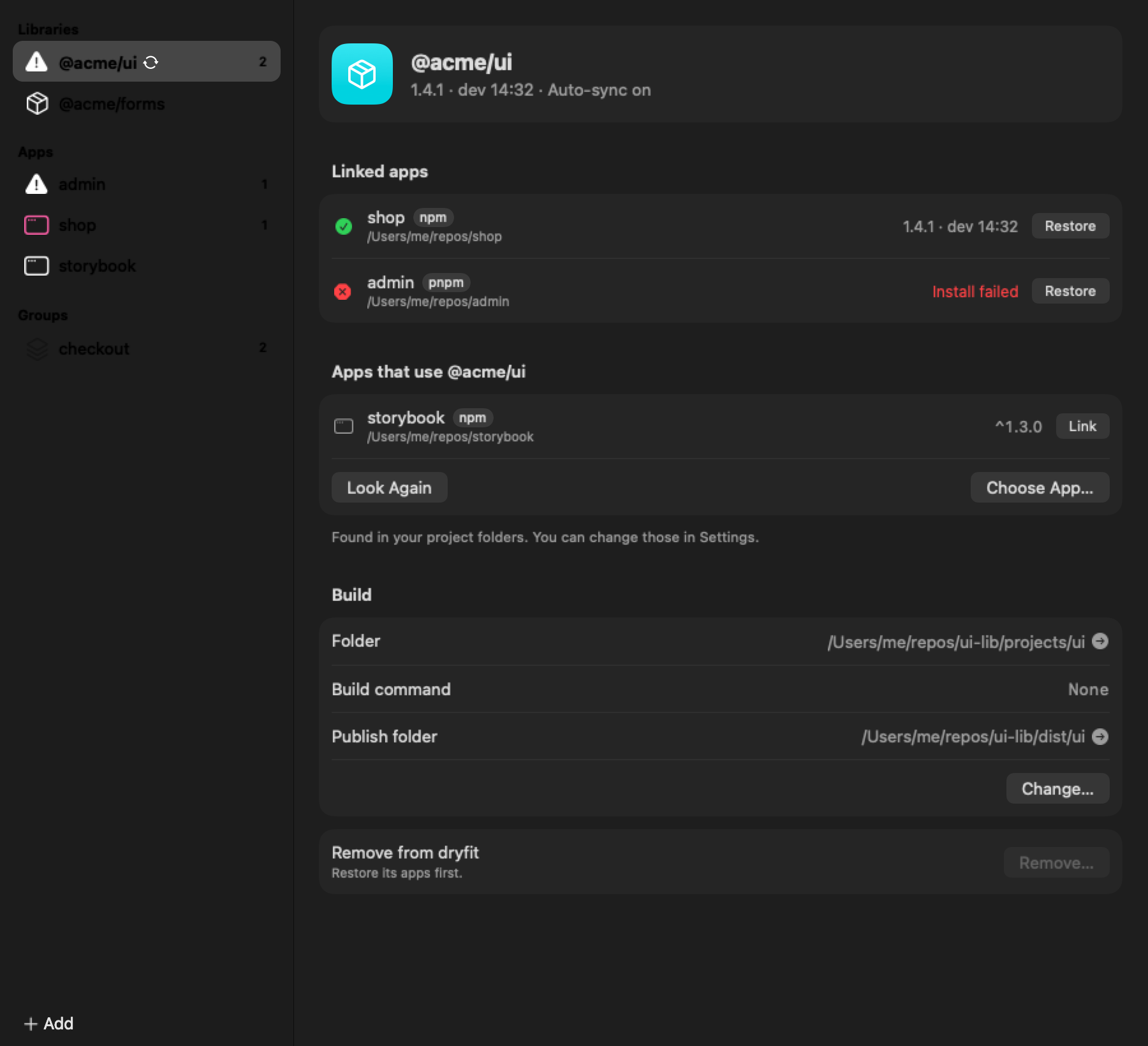
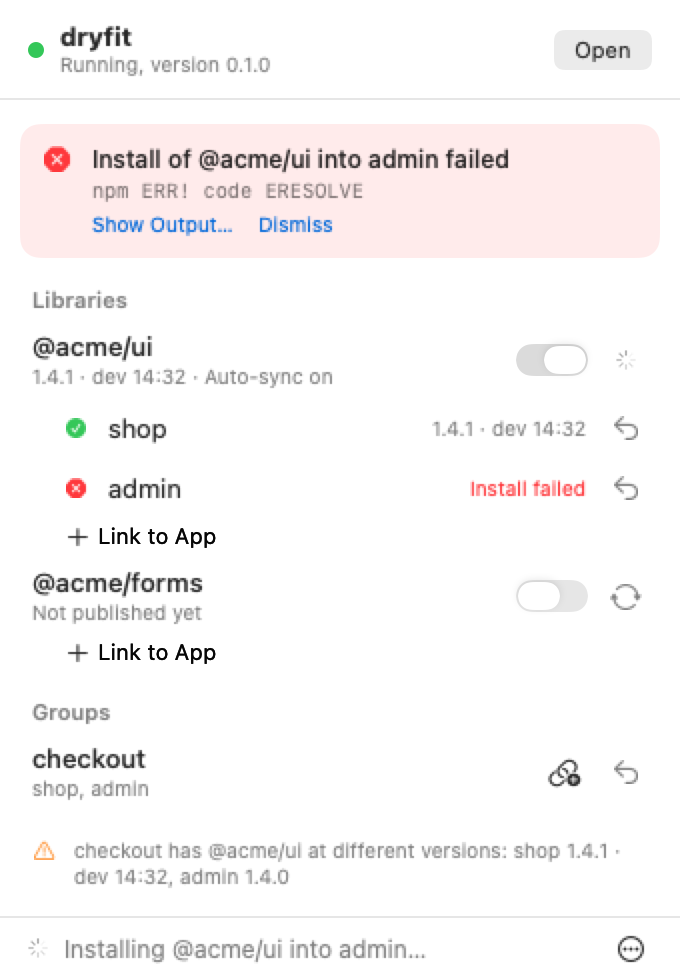
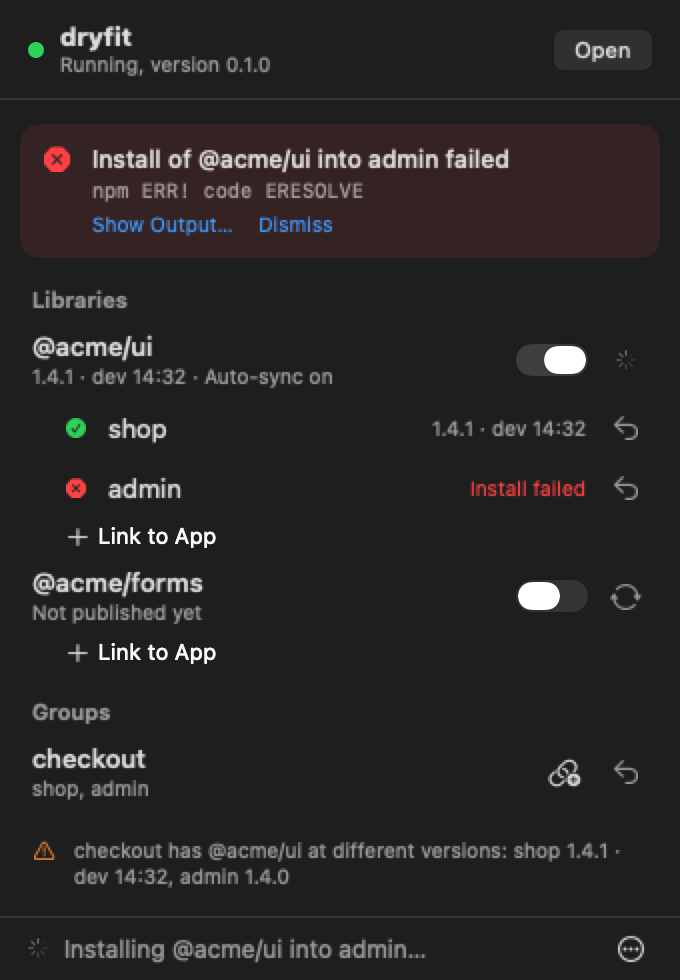
dryfit publishes every change you save to a registry on your machine, installs it in the apps you choose, and puts them back exactly as they were.
npx @dryfit/cli initWorks with npm, pnpm, Yarn and Bun on macOS and Linux.Read the getting started guide
1.4.01.4.0shop1.4.0admin1.4.0checkout
- Part
- @acme/ui
- Revision
- 1.4.0, the release
- Fitted to
- shop, admin, checkout
Where npm link falls short
A symlink is the fastest way to see a change, and often good enough. When the change has to behave as the release will, these are the gaps. yalc closes the first two, but keeps one version between pushes. Compare all three
A symlink, not an install
npm link points the app at your library’s folder. Nothing is installed the way the release will be.
dryfit publishes a real package to a registry on your machine, and the app installs it with its own package manager.
Two copies of React or Angular
The linked folder resolves its own dependencies, so a framework that must load once loads twice.
The app resolves one copy, exactly as it will for the release.
Caches keep the old build
Angular, Vite and Native Federation keep a prebuilt copy until the version changes.
Every change gets a new version, and dryfit clears those caches after each install.
Cleaning up is on you
The link stays until you remember it, and a lockfile that points at it is easy to commit.
Restore puts package.json and the lockfile back byte for byte. A git hook keeps dev builds out of commits.
From a saved file to every app that uses it
Link an app
dryfit link ../shopdryfit saves the app’s package.json and lockfile, and adds a git hook that keeps dev builds out of commits.
Watch the library
dryfit watchWork as usual. Every save starts a build.
Get a new version
1.4.1-dev.20261119143201Each build is published under a version that never existed, installed by the app’s package manager, with stale framework caches cleared.
Restore
dryfit restore ../shoppackage.json and the lockfile go back byte for byte, and the app reinstalls from them.